Createch Yazılım Danışmanlık ve Bilgi Teknolojileri San. Tic. Ltd. Şti.
CreaEX · Media Platform

Films, presentations and introduction documents in one place

CreaEX is Createch's media platform. This is where we bring together the films, interactive HTML presentations and PDF introduction documents that explain our solutions; new content is added here as it is published.

Films open on this page when you press the cover image. Interactive presentations also open on this page, in a large window, and you can run their diagrams and sample screens yourself. Every introduction document is available in English and Turkish.

  • Films
  • Interactive Presentations
  • PDF Introduction Documents
  • Technical Guides
  • EN / TR
01 FILMS

Watch Createch
and our solutions on film

Press a cover image and the film opens on this page. Use the button under a card to share a link to that film; whoever opens it sees the film start on this page. All our films are also on our YouTube channel.

01 CORPORATE FILM

Createch Introduction Film

The technologies we develop at our R&D centre, how they are applied in the field and the sectors we work with, brought together in one film.

YOUTUBE · 12 MIN · SEPTEMBER 2026
02 BLE RTLS · AoA

Createch BLE Platform Film

Who, which forklift and which pallet is where in your plant right now? The BLE Location Platform brings people, forklifts, pallets, equipment and shuttle vehicles into a single location and identity layer, with a hybrid RSSI and AoA architecture.

YOUTUBE · 8 MIN · OCTOBER 2026
02 INTERACTIVE PRESENTATIONS

Presentations that open in your browser
and respond to your touch

Presentations open on this page in a large window, and you can switch to full screen. Drawings and diagrams are animated: when a slide opens, people walk, vehicles follow their routes and data flows; on screenshots, the areas being described are highlighted in turn.

SOLUTIONS · CORPORATE AND CUSTOMER PRESENTATIONS

Createch’s corporate introduction and customer presentations that walk through our solutions end to end: vehicle safety, logistics, workflow and after-sales.

01 CORPORATE PRESENTATION

Createch Corporate Introduction

A 28-slide presentation covering our company, R&D centre, sectors and clients, followed by our brand structure and each brand with animated diagrams. The presentation is in Turkish.

  • Company profile
  • R&D
  • Sectors
  • Clients
  • Crealog
  • TotalSecurity
  • CreaAI
  • TrackTech
  • WeHelp
  • WeFlow

On a computer, use the arrow keys to move between slides; G opens the slide list and F goes full screen. On a phone, slides are laid out one below the other.

28 SLIDES · TURKISH · NOVEMBER 2026
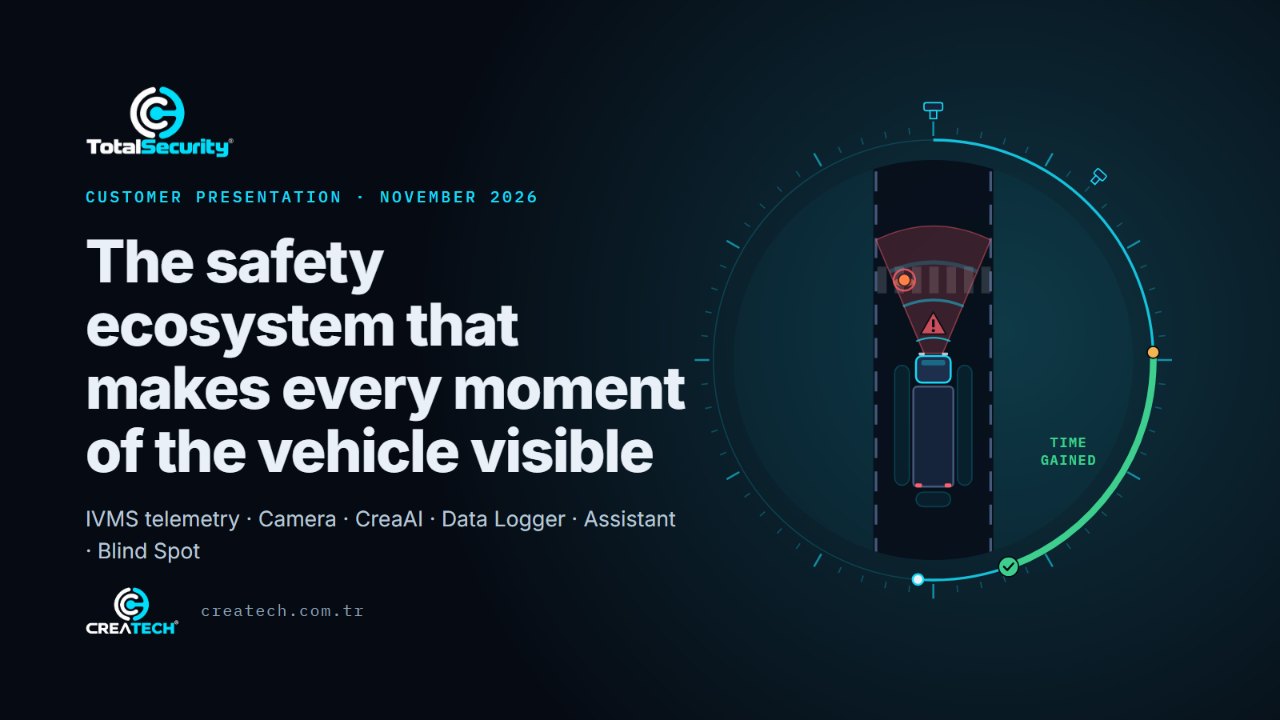
02 CUSTOMER PRESENTATION · TOTALSECURITY

TotalSecurity Customer Presentation

A 36-slide presentation covering the six on-vehicle technologies (IVMS telemetry, camera, CreaAI, Data Logger, assistant and blind spot radar), the rules, notifications and driver scoring screens, the end-to-end architecture and how we work. A Turkish version is also available.

  • IVMS
  • Camera
  • CreaAI
  • Data Logger
  • Assistant
  • Blind Spot
  • Scoring
  • Architecture

On a computer, use the arrow keys to move between slides; G opens the slide list and F goes full screen. On a phone, slides are laid out one below the other and get larger when you turn the phone sideways.

36 SLIDES · ENGLISH / TURKISH · NOVEMBER 2026
03 CUSTOMER PRESENTATION · LOGISTICS MANAGEMENT

Logistics Management Customer Presentation

A 34-slide presentation of the ecosystem that TMS, VMS, the vehicle tablet and the management dashboard form with telemetry, Safe Driving, CheckList and Crealog: an order’s journey from entry to profit, real screens with sample data, route optimization with the routing algorithm, the architecture and the working model. A Turkish version is also available.

  • Ecosystem
  • TMS
  • VMS
  • Vehicle tablet
  • Management dashboard
  • Route optimization
  • Risk index
  • Architecture

On a computer, use the arrow keys to move between slides; G opens the slide list and F goes full screen. On a phone, slides are laid out one below the other and get larger when you turn the phone sideways.
34 SLIDES · ENGLISH / TURKISH · NOVEMBER 2026
04 CUSTOMER PRESENTATION · WEFLOW

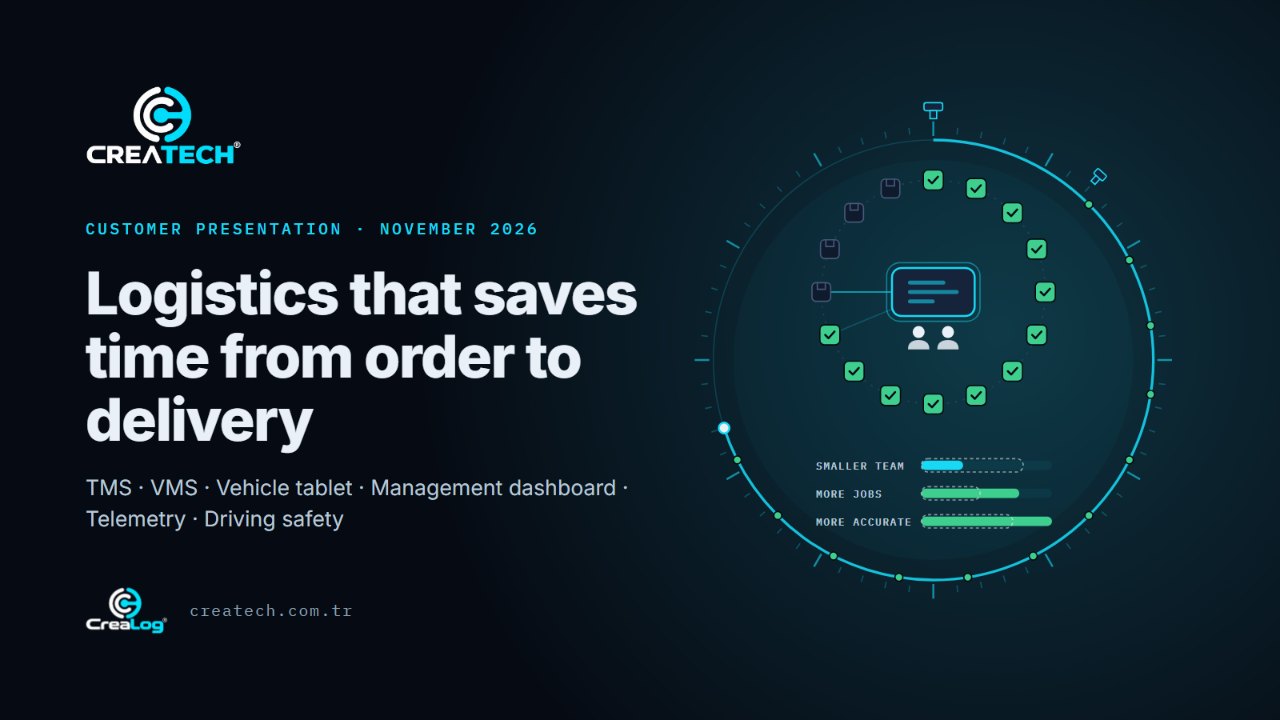
WeFlow Customer Presentation

A 31-slide presentation of WeFlow, which brings email, calendar, tasks, projects, notes, team messages and CreaAI together on one page: how a piece of work travels from email to approval, the Outlook / Microsoft 365 account and rules, calendar invitations and sync, multi-person tasks and approvals, permissions and security. Screens are representative views. A Turkish version is also available.

  • Mail
  • Calendar
  • Tasks
  • Projects
  • Messages
  • CreaAI
  • Permissions
  • Mobile

On a computer, use the arrow keys to move between slides; G opens the slide list and F goes full screen. On a phone, slides are laid out one below the other and get larger when you turn the phone sideways.
31 SLIDES · ENGLISH / TURKISH · NOVEMBER 2026
05 CUSTOMER PRESENTATION · WEHELP

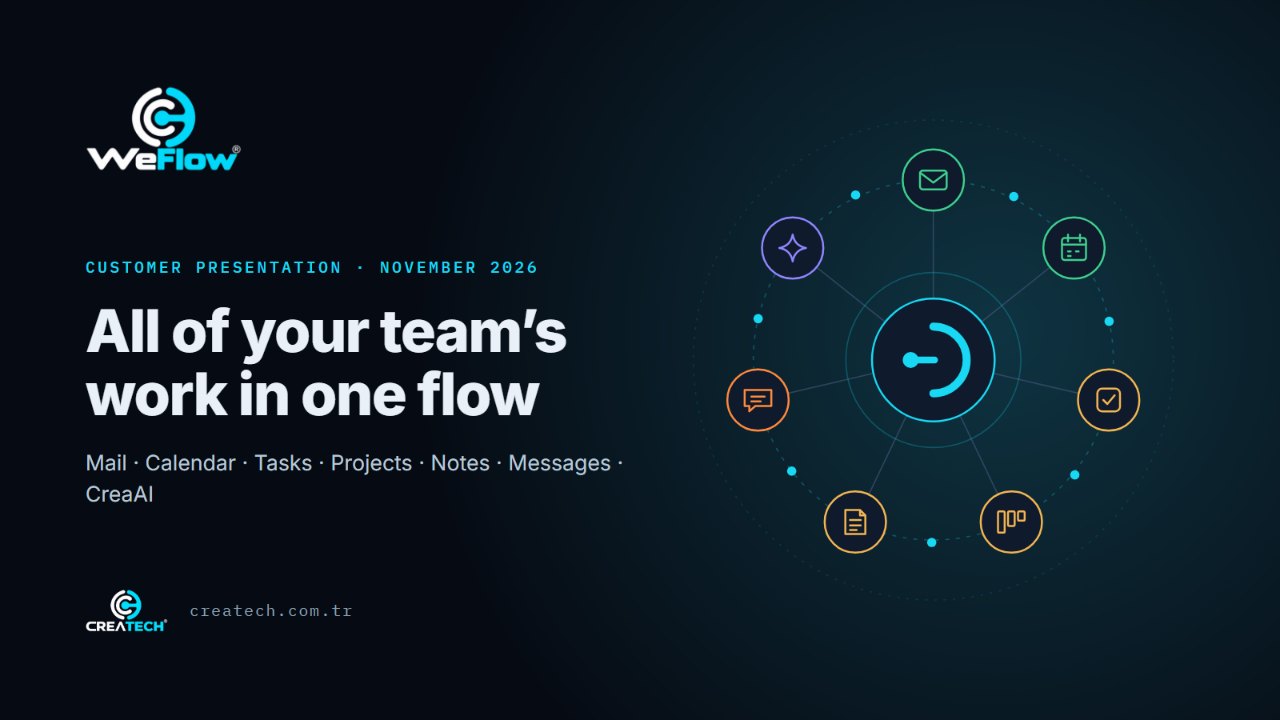
WeHelp Customer Presentation

A 31-slide presentation of WeHelp, which keeps after-sales on a single record: tickets and work orders from the support mailbox, field planning and the technician’s phone, inspection forms, stock and custody, shipping and parts recovery, workshop and production, reports and settlements, permissions and rollout. Screens are representative views. A Turkish version is also available.

  • Tickets
  • Work orders
  • Field
  • Technical service
  • Stock and custody
  • Shipping
  • Workshop
  • Reports

On a computer, use the arrow keys to move between slides; G opens the slide list and F goes full screen. On a phone, slides are laid out one below the other and get larger when you turn the phone sideways.
31 SLIDES · ENGLISH / TURKISH · NOVEMBER 2026
PRODUCTS · PRODUCT AND TECHNICAL PRESENTATIONS

Product and technical presentations that cover a single product in detail, from the device to the screen.

06 TECHNICAL PRESENTATION · BLE PLATFORM

BLE Platform Technical Introduction

A 26-page technical presentation of a single location layer that starts with precise BLE RTLS and AoA positioning inside the plant and extends to delivery, telemetry, safety and AI: AoA angle calculation, locator geometry, multi-locator estimation, site engineering and acceptance criteria. A Turkish version is also available.

  • BLE RTLS
  • AoA
  • Accuracy classes
  • Site engineering
  • Forklift safety
  • In-vehicle tablet
  • CCTV + AI
  • Roadmap

On a computer, use the arrow keys to move between pages; G opens the page list and F goes full screen. On a phone, pages are laid out one below the other and get larger when you turn the phone sideways.

26 PAGES · ENGLISH / TURKISH · SEPTEMBER 2026
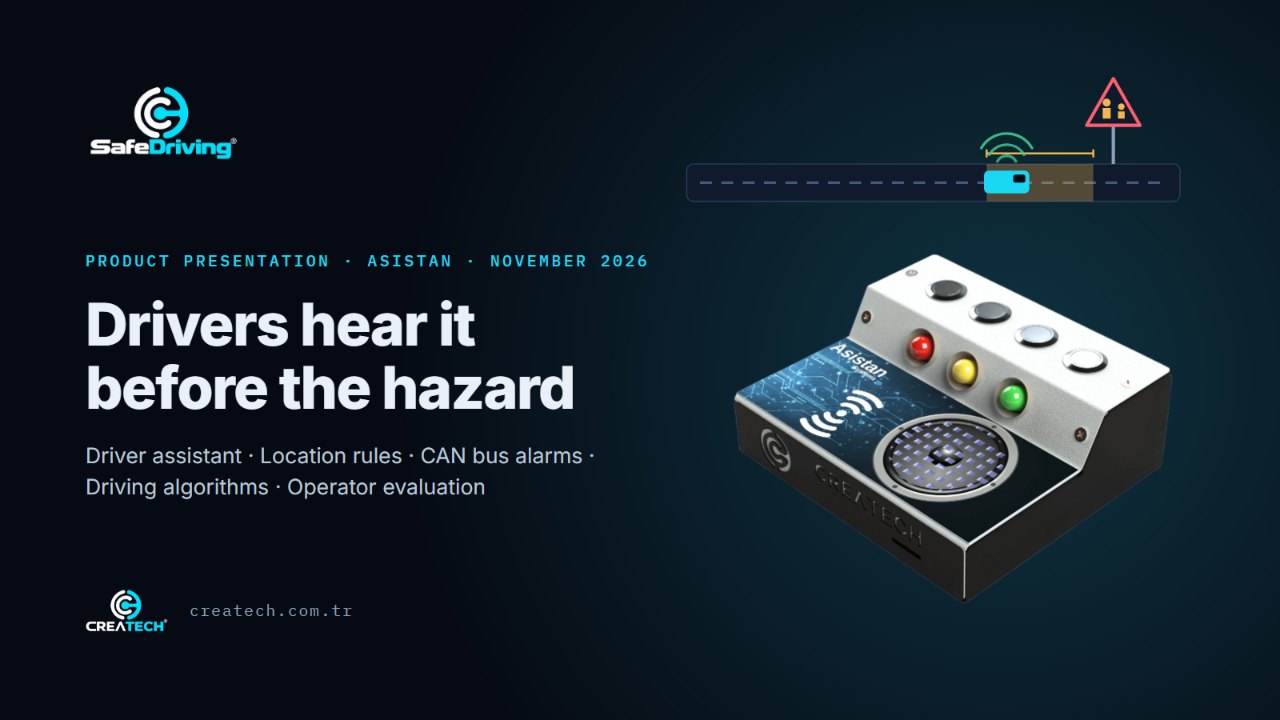
07 PRODUCT PRESENTATION · ASISTAN

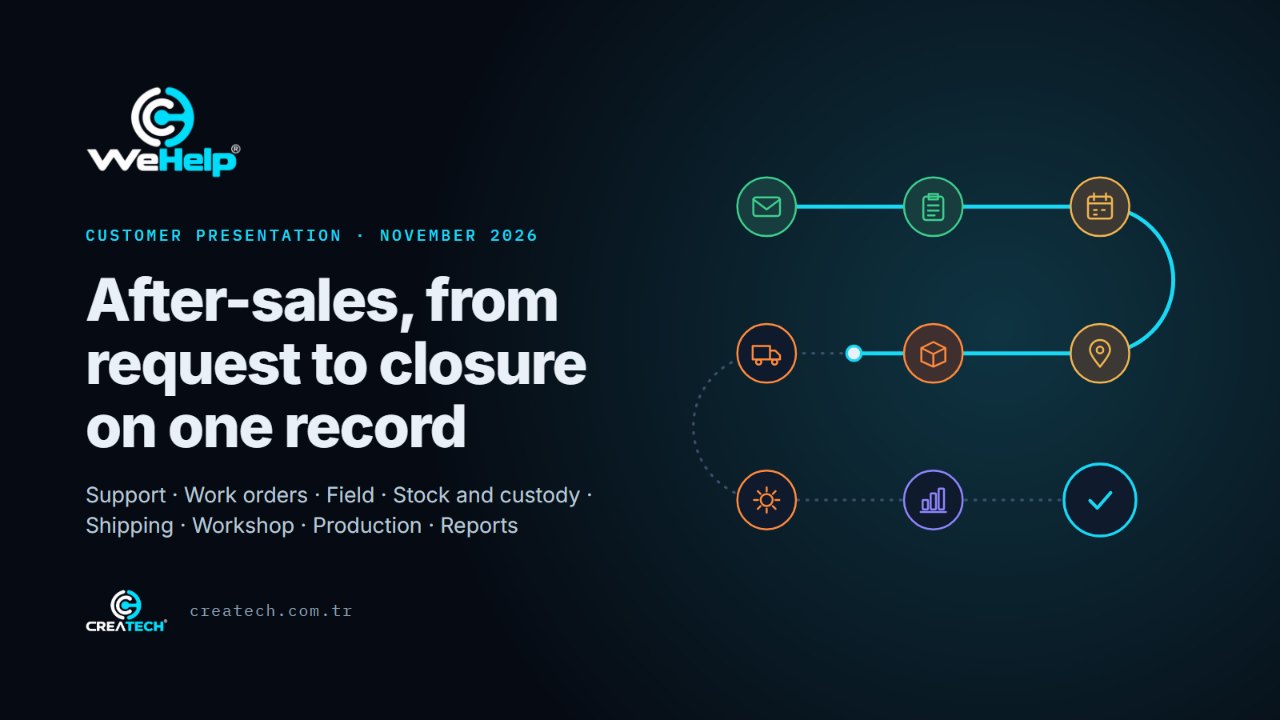
Asistan Product Presentation

A 28-slide presentation of Asistan, the in-cab driver assistant, and the SafeDriving screens: the CRE-AKS-329 and CRE-AKS-330 models and their connections; CAN bus alarm sounds, location rules, nationwide map warnings, live traffic and driving algorithms; driver scoring, the event player and notifications. Screenshots of the Rules screen use sample data. A Turkish version is also available.

  • Asistan
  • CAN bus alarms
  • Location rules
  • Map warnings
  • Live traffic
  • Sound library
  • Algorithms
  • Scoring

On a computer, use the arrow keys to move between slides; G opens the slide list and F goes full screen. On a phone, slides are laid out one below the other and get larger when you turn the phone sideways.
28 SLIDES · ENGLISH / TURKISH · NOVEMBER 2026
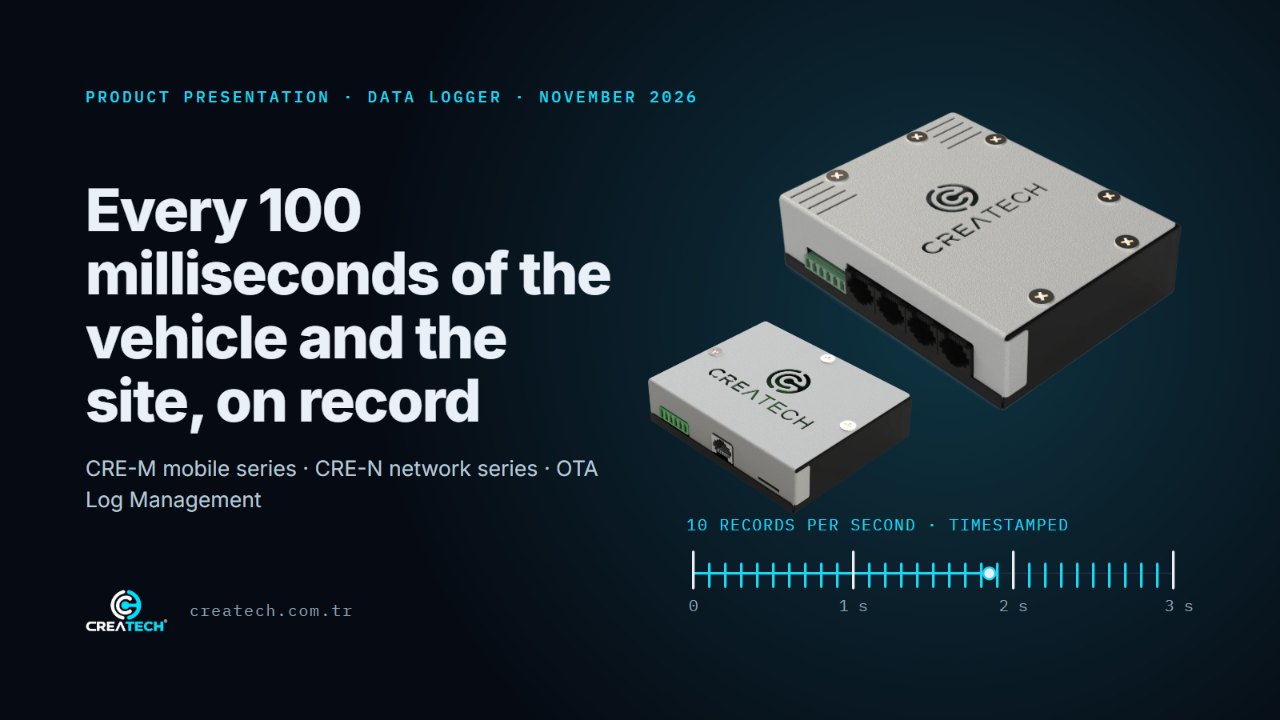
08 PRODUCT PRESENTATION · DATA LOGGER

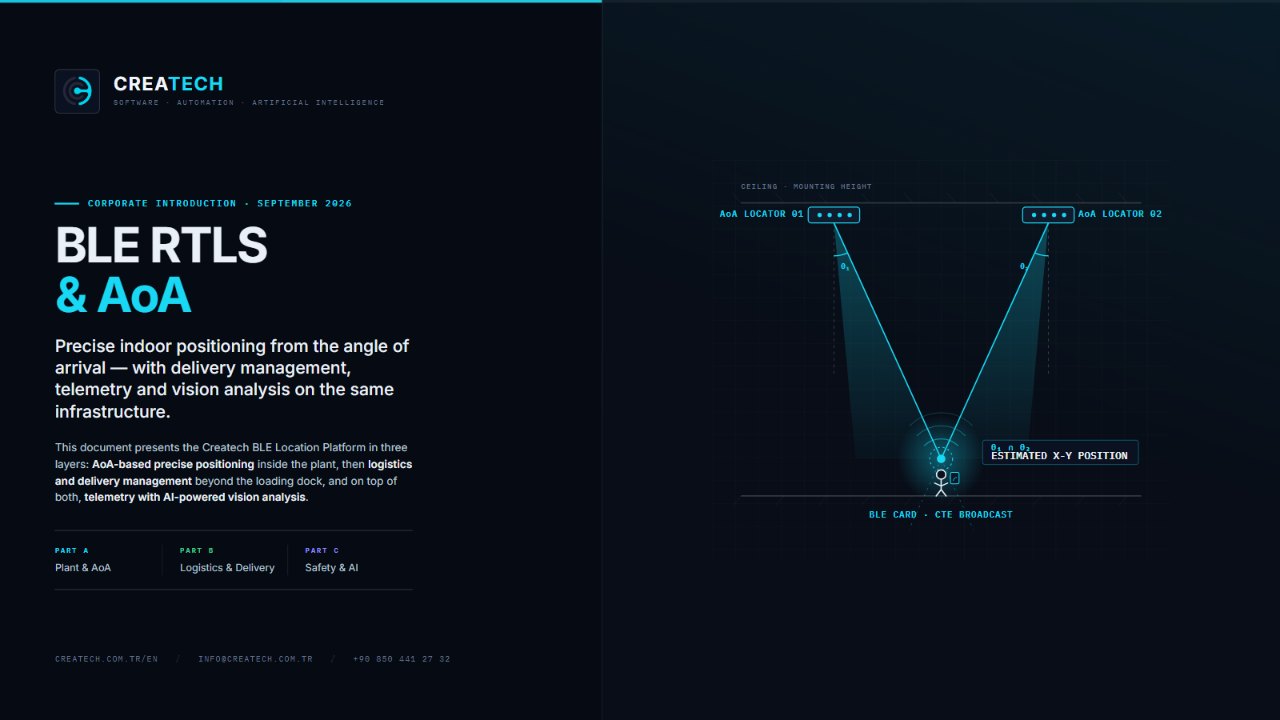
Data Logger Product Presentation

A 28-slide presentation of the Data Logger family, which records CAN Bus, acceleration, inputs and outputs, temperature and serial port data every 100 ms with a timestamp. The ten models of the CRE-M series for vehicles and the CRE-N series for sites, Ethernet and PoE connectivity and energy analysis; downloading the logs in OTA Log Management without going to the vehicle and replaying them in a 3D scene. Screenshots use sample data. A Turkish version is also available.

  • 100 ms logging
  • CAN Bus
  • CRE-M
  • CRE-N
  • Energy analysis
  • SD card
  • 3D playback
  • Excel / CSV

On a computer, use the arrow keys to move between slides; G opens the slide list and F goes full screen. On a phone, slides are laid out one below the other and get larger when you turn the phone sideways.
28 SLIDES · ENGLISH / TURKISH · NOVEMBER 2026
03 PDF DOCUMENTS

Sector and product
introduction documents

The sector and product introductions are available in English and Turkish. All files can be read on screen or printed.

SECTOR INTRODUCTIONS · EN / TR

Visual summaries of our solutions for energy, food, concrete / cement, public transport and environmental monitoring.

  • ENERGY

    Energy Solutions Introduction

    A visual overview of the fuel and LPG distribution solution, from the on-vehicle telemetry layer to the fleet management center.

    11 PAGES
  • FOOD

    Food Solutions Introduction

    A visual overview of the cold chain, telemetry and camera solutions, from the cold store to the store cabinet.

    11 PAGES
  • CONCRETE / CEMENT

    Concrete / Cement Introduction

    Drum monitoring, pour control, dispatch optimization and site safety.

    11 PAGES
  • PUBLIC TRANSPORT

    Public Transport Introduction

    The three core systems, line load profile, trip optimization, management center and measurable results.

    11 PAGES
  • ENVIRONMENTAL MONITORING

    Environmental Monitoring Introduction

    A visual overview of in-plant and in-vehicle monitoring, from the multi-protocol board to the central monitoring dashboard.

    9 PAGES
PRODUCT INTRODUCTIONS · BLE PLATFORM · EN / TR

The BLE RTLS and AoA indoor positioning platform: a general overview and a detailed technical edition.

  • BLE RTLS & AoA

    BLE Platform Overview

    A summary of the solution: the in-plant location layer, logistics and delivery, safety and AI.

    10 PAGES
  • BLE RTLS & AoA

    BLE Platform Technical Introduction

    The detailed version: AoA angle calculation, Locator geometry, multi-Locator estimation, site engineering and acceptance criteria.

    26 PAGES
04 GUIDES

Installation and
user guides

Technical guides that take you step by step through installing our products, their screens and their rules. The guides are in Turkish and can be read on screen or printed.

CREAAI COMPUTER VISION · TECHNICAL GUIDES

Guides to setting up the Edge Server modules, their detections and their alarm rules. Values are the product defaults and the illustrations are representative. The guides are in Turkish.

  • CREAAI · COMPUTER VISION

    Secure Door Management · User Guide

    Directional entry counting with a single camera, recognising card taps from the image, and alarms for entry without a card, exit without a card and tailgating. Adding a camera, the drawing screen and reading the live monitoring screen.

    6 PAGES
  • CREAAI · COMPUTER VISION

    People Counting · User Guide

    Counting people who cross a line in either direction; the counting area, people who turn back and pausing on the line. Setup steps and the live monitoring screen.

    5 PAGES
  • CREAAI · COMPUTER VISION

    Face Analysis · Detection Guide

    Five detections measured from 468 face landmarks: yawning, mirror checks, looking down, fatigue and distraction. The landmarks used, head angles, thresholds and durations.

    5 PAGES
  • CREAAI · COMPUTER VISION

    Human Body Analysis · Detection Guide

    54 detections from a 17-keypoint skeleton in seven groups: posture, movement, multiple people, area safety, ergonomics (REBA, RULA, OWAS), driving and protective equipment. The measure, threshold and duration of each detection.

    24 PAGES
05 CONTACT

Would you like a presentation for your own operation?

Contact us for a presentation or live demo that walks through the solutions in these films and documents using your own site and processes.

Product models and technical details are published on the Createch Wiki; for quotes and demo requests, reach us by email or phone.